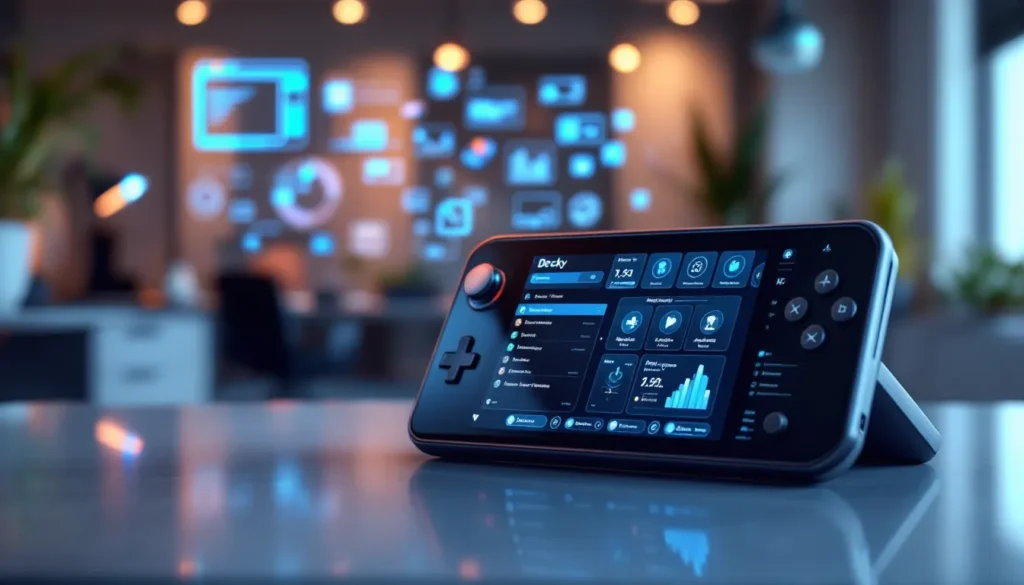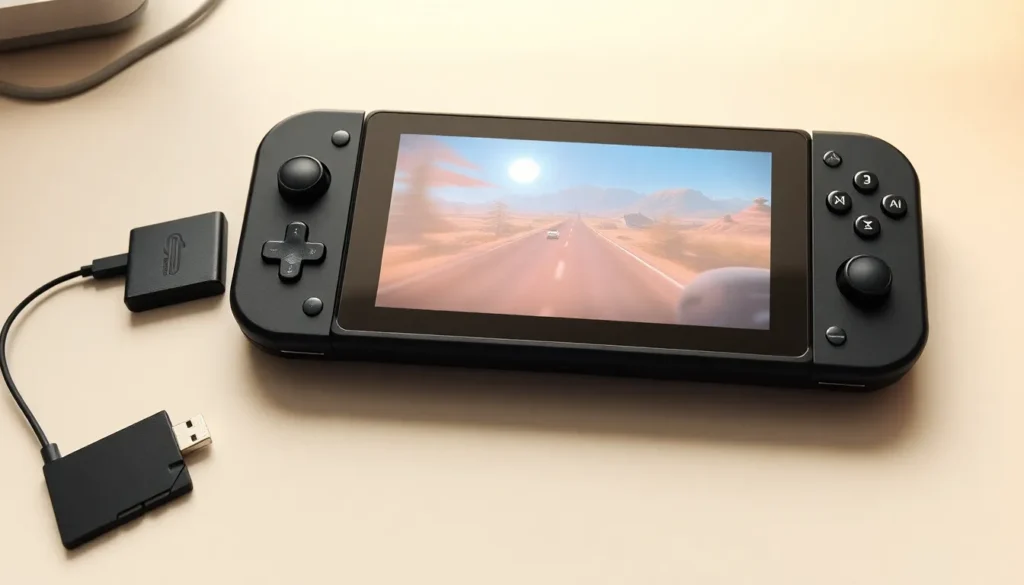

Steam Deck examples showcase just how versatile Valve’s handheld gaming PC has become. From AAA blockbusters to retro emulation and even productivity tasks, the device handles far more than most people expect. Whether someone just picked one up or is still deciding if it’s worth the investment, understanding what the Steam Deck can actually do makes all the difference. This guide covers the best games, creative use cases, and practical tips to help users get the most from their hardware.
Table of Contents
ToggleKey Takeaways
- Steam Deck examples range from AAA games like Elden Ring and Baldur’s Gate 3 to indie favorites like Stardew Valley and Vampire Survivors.
- The device doubles as a powerful emulation machine, running PS2, GameCube, N64, and Nintendo DS games through tools like EmuDeck.
- Desktop Mode transforms the Steam Deck into a portable PC for productivity tasks, streaming services, and remote desktop connections.
- Use FSR upscaling and TDP adjustments to balance performance and battery life for a better handheld experience.
- Check ProtonDB for community-tested game compatibility reports and recommended settings before installing new titles.
- A high-speed microSD card (A1 or A2 rated) expands storage and keeps your library of Steam Deck examples accessible on the go.
Best Games to Play on Steam Deck
The Steam Deck runs thousands of games, but some titles truly stand out. Valve’s “Verified” and “Playable” ratings help users find games that work well on the device. Here are steam deck examples of games that deliver excellent experiences on the handheld.
Popular AAA Titles
Big-budget games run surprisingly well on the Steam Deck. Elden Ring plays smoothly at 30-40 FPS with medium settings, making it one of the most popular steam deck examples among action RPG fans. The portability transforms long exploration sessions into something players can enjoy anywhere.
Baldur’s Gate 3 has earned Steam Deck Verified status. Larian Studios optimized the game specifically for handheld play, and it shows. Players report 30+ hours of gameplay without major issues.
Cyberpunk 2077 runs well after recent patches and Steam Deck-specific optimizations. Users can expect 30 FPS with FSR enabled at medium settings. The game’s story-driven content works great for portable sessions.
Other notable AAA steam deck examples include:
- God of War – Runs at stable 30 FPS with good visual quality
- Horizon Zero Dawn – Excellent performance after optimization patches
- The Witcher 3 – A perfect fit for handheld gaming sessions
- Hades II – Smooth performance and quick play sessions
Indie Games That Shine
Indie titles often provide the best steam deck examples because they’re less demanding and designed for pick-up-and-play sessions.
Vampire Survivors runs flawlessly and offers addictive gameplay in short bursts. The simple controls translate perfectly to the Steam Deck’s layout.
Stardew Valley feels like it was made for portable play. Players can manage their farms during commutes or before bed. The game runs at a locked 60 FPS without breaking a sweat.
Hollow Knight delivers precise platforming that works beautifully with the Steam Deck’s controls. The gorgeous art style looks sharp on the 7-inch display.
More indie steam deck examples worth checking out:
- Dead Cells – Fast roguelike action with instant resume
- Hades – Perfect for 20-30 minute runs
- Celeste – Tight platforming that shines on handheld
- Slay the Spire – Turn-based gameplay ideal for portable sessions
Emulation and Retro Gaming Examples
The Steam Deck doubles as a powerful emulation machine. This represents one of the most exciting steam deck examples for retro gaming enthusiasts.
EmuDeck simplifies the entire setup process. Users can install this tool and get access to emulators for dozens of classic systems within minutes. PlayStation 2, GameCube, Wii, and even Nintendo Switch games run on the hardware.
PS2 classics like Shadow of the Colossus and Kingdom Hearts play at full speed with upscaled resolutions. GameCube titles such as The Legend of Zelda: The Wind Waker and Super Mario Sunshine look better than they did on original hardware.
N64 emulation works perfectly for games like Super Mario 64, Ocarina of Time, and GoldenEye 007. The Steam Deck handles these older titles without any performance drops.
Nintendo DS and 3DS emulation provides access to portable classics. Games like Pokemon and Fire Emblem run smoothly through dedicated emulators.
These steam deck examples demonstrate why collectors and retro fans love the device. One portable unit replaces dozens of classic consoles.
Productivity and Non-Gaming Uses
Steam Deck examples extend beyond gaming. The device runs a full Linux desktop, which opens up practical applications.
Desktop Mode transforms the Steam Deck into a portable PC. Users can connect a keyboard, mouse, and external monitor through the USB-C port or dock. The KDE Plasma desktop environment supports web browsing, document editing, and media playback.
Streaming services work through the browser or dedicated apps. Netflix, YouTube, Disney+, and Spotify all function on the device. The Steam Deck becomes a portable entertainment center for flights or hotel rooms.
Remote desktop applications let users connect to more powerful PCs. Programs like Parsec and Moonlight stream games from a desktop computer to the Steam Deck. This extends the device’s capabilities beyond its built-in hardware.
Some users run development tools on their Steam Decks. VS Code, terminal applications, and Git work in Desktop Mode. It’s not a replacement for a full workstation, but it handles light coding tasks.
These productivity steam deck examples prove the device offers value beyond its primary gaming purpose.
Tips for Getting the Most Out of Your Steam Deck
A few adjustments help users maximize their steam deck examples and overall experience.
Adjust TDP limits to balance performance and battery life. The Quick Access Menu lets users cap power consumption. Lower TDP settings extend battery life for less demanding games.
Use FSR (FidelityFX Super Resolution) when available. This upscaling technology boosts frame rates without major visual quality loss. Many games support it natively, and the Steam Deck can force it globally.
Install ProtonDB as a bookmark. This community database shows how well specific games run on the Steam Deck. User reports include settings recommendations and workarounds for common issues.
Customize controls through Steam Input. The software lets users remap buttons, adjust gyro aiming sensitivity, and create game-specific profiles. Taking time to dial in controls improves every gaming session.
Manage storage wisely. The base model includes limited internal storage. Users should consider a high-speed microSD card for additional game storage. A1 or A2 rated cards offer the best performance.
Keep the system updated. Valve releases frequent updates that improve compatibility and add features. Checking for updates regularly ensures access to the latest optimizations.